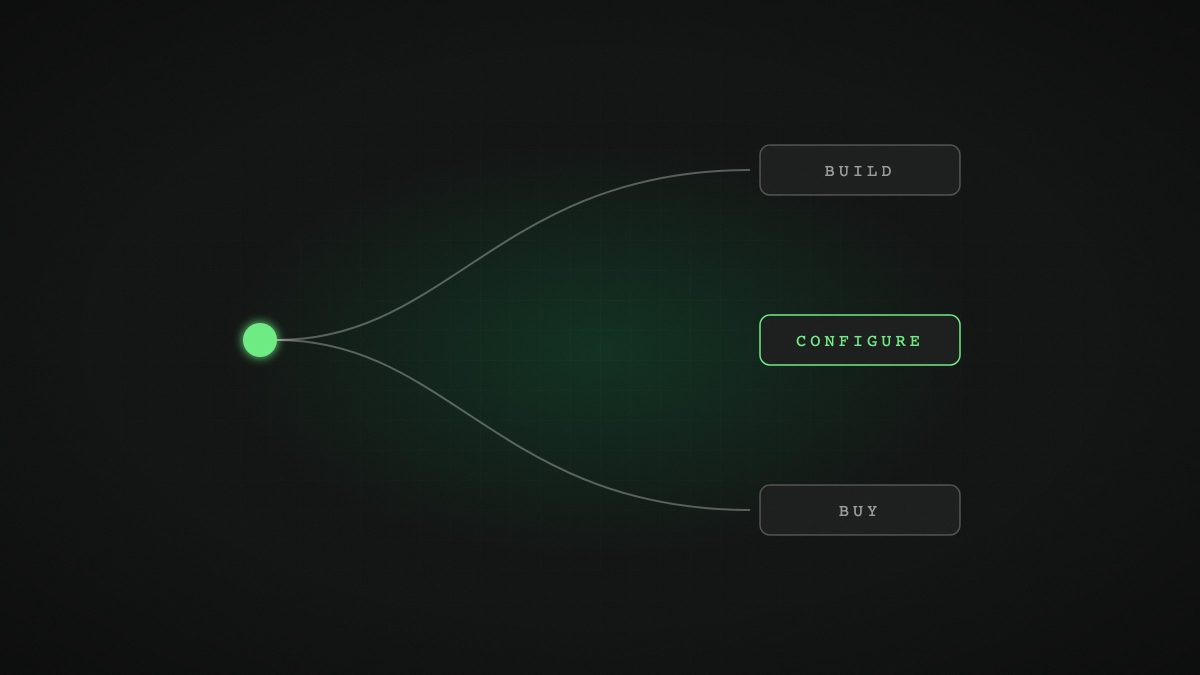
A year ago, the question was whether to use AI at all. Now it is how. Every software vendor has added an AI assistant, the big AI labs sell agents that work across your apps, and custom builds have become far cheaper. Choosing the wrong route wastes money twice: once on the tool, and again on the workarounds. Here is how we help clients decide.
Why is this decision harder in 2026?
Because the options multiplied quickly. In August 2025, Gartner predicted that 40% of enterprise applications would feature task-specific AI agents by 2026, up from less than 5% in 2025. Meanwhile, the general assistants have become agents in their own right. OpenAI’s ChatGPT Work, launched in July 2026, connects to tools such as Slack, Teams, Google Drive, SharePoint and CRMs and can run scheduled tasks. Anthropic has folded agent abilities into Claude and added shared documents and slides.
So most businesses now have AI arriving from three directions at once: inside the software they already pay for, through general assistants, and from custom builds. Adoption has not caught up: Stanford’s 2026 AI Index found agent deployment in single digits across nearly all business functions. The decision is still open for most companies, which is exactly why it is worth making deliberately.
What does each route actually mean?
Buy: AI features and agents off-the-shelf
You switch on the AI in your CRM, helpdesk or accounting package, or give staff a business plan for a general assistant. Fast to start, predictable pricing, no build. The trade-off: you get the vendor’s idea of your process, it rarely reaches across other systems well, and the data and logic stay in their product.
Configure: platforms shaped around your process
You use an automation or agent platform and configure it with your rules, data connections and approval steps. Quicker and cheaper than building from scratch, more tailored than buying. The trade-off: you inherit the platform’s limits and pricing model, and complex logic can become fragile if nobody owns it.
Build: custom AI solutions
You, or a partner, build a solution around your exact process, calling AI models through their APIs and connecting directly to your systems. Highest fit and control. The trade-off: more upfront investment, and you need someone to maintain it. We have written separately about the broader custom versus off-the-shelf question; AI adds a few specific twists.
How do you decide which route fits a process?
Take one process at a time and ask six questions:
- Is it generic or distinctive? Drafting emails is generic. How you price a complex import order, underwrite a policy or schedule a project is often distinctive.
- How many systems does it touch? One system favours buying the feature inside it. Three or more favours configuring or building a layer that connects them. See connecting your systems.
- What volume will it handle? Per-seat or per-action pricing that looks cheap in a pilot can become expensive at scale. Custom solutions that call models directly often cost less per item at volume.
- How much control do you need? If you need detailed logs, approval rules, specific data residency or evidence for regulators and auditors, check whether a bought tool provides them.
- How fast is it changing? If your rules change monthly, you need something your team can update easily.
- Who will own it? Every route needs an owner. Unowned configurations decay quietly.
What does a sensible mix look like for an SME?
Most of the businesses we work with end up with a blend:
- Buy a business-grade AI assistant for everyone, with a clear policy. This covers drafting, research and summarising. See giving your team AI tools.
- Use built-in AI in core platforms where it is good enough, such as helpdesk reply suggestions.
- Configure or build for the two or three processes that consume the most time or define your service, such as document intake, quoting or onboarding. See automating entire workflows.
In sectors with specific workflows, such as iGaming, importation and distribution or architecture and interior design, the processes that matter most are rarely served well by generic tools. That is where tailored operations software tends to pay off.
What hidden costs should you watch for?
- Price changes. AI pricing moves. Google, for example, has announced that Gemini 3.8 Flash API prices will double from 1 January 2027. Bought tools can reprice too.
- Integration workarounds. If staff copy and paste between the AI tool and your systems, you have bought a new manual step.
- Lock-in. If your prompts, rules and data live inside one vendor’s product, switching later is costly.
- Governance effort. Every agent with access to company data needs permissions, monitoring and review. Multiply by the number of tools.
How do you keep your options open?
Three principles protect you whichever route you take. Keep your data in systems you control. Keep your process logic documented, and ideally in your own code or configuration rather than buried in a vendor’s product. And prefer tools that support open standards such as the Model Context Protocol, now governed by the Linux Foundation’s Agentic AI Foundation, so different agents can use the same connections.
That way, when a better or cheaper model arrives, which in 2026 happens every few weeks, you can take advantage without starting again.
Frequently asked questions
Is it cheaper to buy or build an AI agent?
Buying is usually cheaper to start. Building or configuring can be cheaper at higher volumes and for processes that span several systems, because you pay for model usage directly rather than per seat or per-action.
When should a small business build a custom AI solution?
When the process is distinctive to your business, touches several core systems, runs at high volume or needs detailed control and audit trails that off-the-shelf tools do not provide.
Can we start with an off-the-shelf tool and build later?
Yes, and it is often sensible. Use bought tools to learn where AI helps, then build or configure for the processes that prove most valuable. Keep your data and process documentation portable so the move is easy.
How do we avoid AI vendor lock-in?
Keep data in systems you control, keep process logic in your own configuration or code, test alternative models regularly, and prefer tools that support open standards such as the Model Context Protocol.
Weighing up an AI tool, a platform or a custom build? Book a free discovery call with Haystack and we will give you an honest recommendation, even if it is to buy.