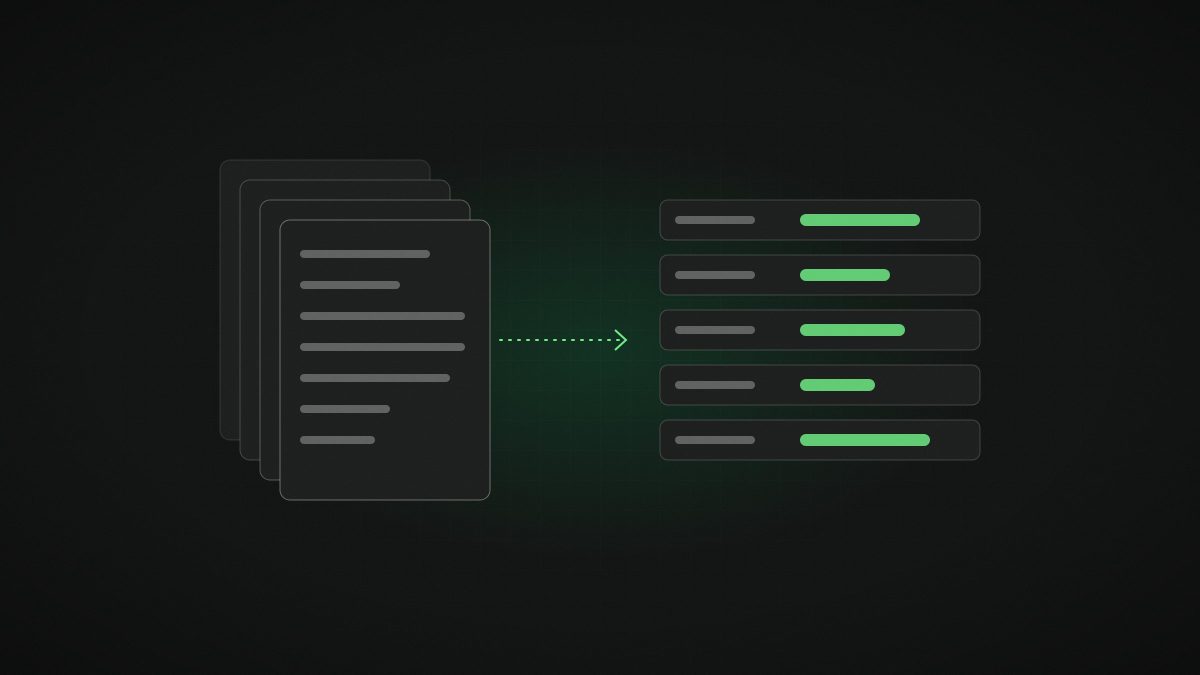
Invoices, delivery notes, contracts, application forms, bank statements: most businesses still have people reading documents and typing what they see into another system. AI document processing is one of the most dependable returns on AI we know of, but only if you calculate the business case properly. Here is how.
What does AI document processing actually do?
A modern document pipeline has four stages:
- Capture: documents arrive by email, upload, scanner or API.
- Read and understand: an AI model reads the page, including tables, stamps and handwriting, and identifies what kind of document it is.
- Extract and check: the fields you need (supplier, date, amounts, VAT, line items, references) are pulled out and checked against rules and your own data, such as the purchase order or customer record.
- Act: clean results go straight into your accounting, ERP, CRM or case system; uncertain ones go to a person with the problem highlighted.
The difference from older OCR is stage two and three. Current models understand layout and context, so they cope with documents they have never seen, in many languages. Mistral says its OCR 4 model, released in June 2026, supports 170 languages and returns confidence scores alongside the text; an update, OCR 4.1, became generally available on 31 August. General models such as Claude Sonnet 5.5 can then apply business rules to what was read.
What does AI document processing cost?
Think in three buckets:
- Usage costs. The per-page or per-token cost of the models. This has fallen to the point where it is rarely the deciding factor. Mistral lists OCR 4 at $4 per 1,000 pages through its API, halved with batch processing.
- Build and integration. Connecting to your inboxes and systems, defining fields and rules, building the review screen and testing on real documents. This is usually the largest one-off cost.
- Running and improvement. Hosting, monitoring, handling new document types and occasional model changes.
Integration effort depends heavily on your systems. Posting into a modern accounting package with a good API is straightforward. Keying into a legacy desktop system may need a different approach.
Where do the savings come from?
- Staff time. Minutes saved per document, multiplied by volume. This is the headline number.
- Fewer errors. Mis-keyed amounts, duplicate payments and wrong VAT codes cost time to find and fix, and sometimes money.
- Speed. Faster invoice processing can help you take early payment discounts and avoid late fees; faster application processing wins customers.
- Capacity. Growth without hiring for back-office roles. See reducing costs and increasing capacity.
- Better data. Once documents are structured, you can analyse spend, supplier performance and bottlenecks.
How do you calculate the payback? A worked example
The figures below are illustrative only, not from a real client, to show the method. Replace them with your own baseline.
Imagine a distributor handling 2,000 supplier invoices a month. Staff take an average of 6 minutes per invoice to read, key and check, and the fully loaded staff cost is €25 per hour.
- Current monthly effort: 2,000 × 6 minutes = 200 hours, or about €5,000 a month.
- After automation, suppose 75% of invoices pass straight-through with a 30-second spot check, and 25% need a 3-minute review.
- New effort: (1,500 × 0.5 minutes) + (500 × 3 minutes) = 2,250 minutes, or 37.5 hours, about €940 a month.
- Gross saving: about €4,060 a month in staff time, before counting error reduction.
- Subtract monthly running costs (usage, hosting, support) to get the net saving.
Payback in months is then the one-off build cost divided by the net monthly saving. In this example the model usage for 2,000 invoices is trivial; hosting, support and the one-off build dominate. If the build costs twelve months of net saving, that is still a strong case for a system that will run for years. If the figures only work at 95% straight-through processing, the case is fragile.
Before relying on any grant, check eligibility, but note that Maltese SMEs may be able to co-fund projects like this; see our funding support page.
What accuracy should you expect?
Beware headline accuracy claims. What matters is straight-through processing: the share of documents that go from inbox to system with no human touch and no error. It varies with document quality and variety. Clean PDFs from a handful of large suppliers perform very differently from phone photos of handwritten delivery notes.
The way to know is to test on a few hundred of your own documents before committing, and to design for the exceptions. A good system knows when it is unsure and says so.
What are the common mistakes that sink the business case?
- No baseline. If you do not measure time per document today, you cannot prove savings tomorrow.
- Ignoring exceptions. The 10% of odd documents can consume most of the effort if there is no clear review route.
- Stopping at extraction. Pulling data out is half the job. The value comes from posting it into your systems and matching it against orders or records.
- Removing review too early. Reduce human checks gradually, based on measured accuracy.
- Forgetting data protection. Documents often contain personal data. Know where processing happens and keep access tight.
Which industries benefit most?
Any document-heavy operation. We see strong cases in importation and distribution (invoices, customs and shipping documents), finance, tax and accounting (statements, receipts, returns), insurance and financial services (claims and onboarding), and iGaming (player verification documents). It is no surprise that analysing written language was the most common AI technology used by EU enterprises in 2025.
Frequently asked questions
How accurate is AI document processing?
It depends on your documents. The useful measure is the share that pass straight-through with no correction. Test on a few hundred of your own documents before committing, and route low-confidence results to a person.
Is AI document processing expensive to run?
Model usage costs are now low. Mistral, for example, lists its OCR 4 API at $4 per 1,000 pages. Integration, review workflows and support usually make up most of the cost.
Can AI read handwritten or scanned documents?
Modern models handle many scanned and handwritten documents, but quality varies with image quality and handwriting. A pilot on your real documents is the only reliable test.
How do I calculate the ROI of document automation?
Multiply documents per month by minutes saved per document and staff cost per minute, add error and speed benefits, subtract running costs, then divide the one-off build cost by the net monthly saving to get payback in months.
If documents are eating your team’s week, book a free discovery call with Haystack. We will help you estimate the return using your own numbers.